AppImage
Runs on any distribution, nothing to install.
chmod +x cjc-tune_1.0.0_amd64.AppImage
./cjc-tune_1.0.0_amd64.AppImage CJC Tune
Free · open source
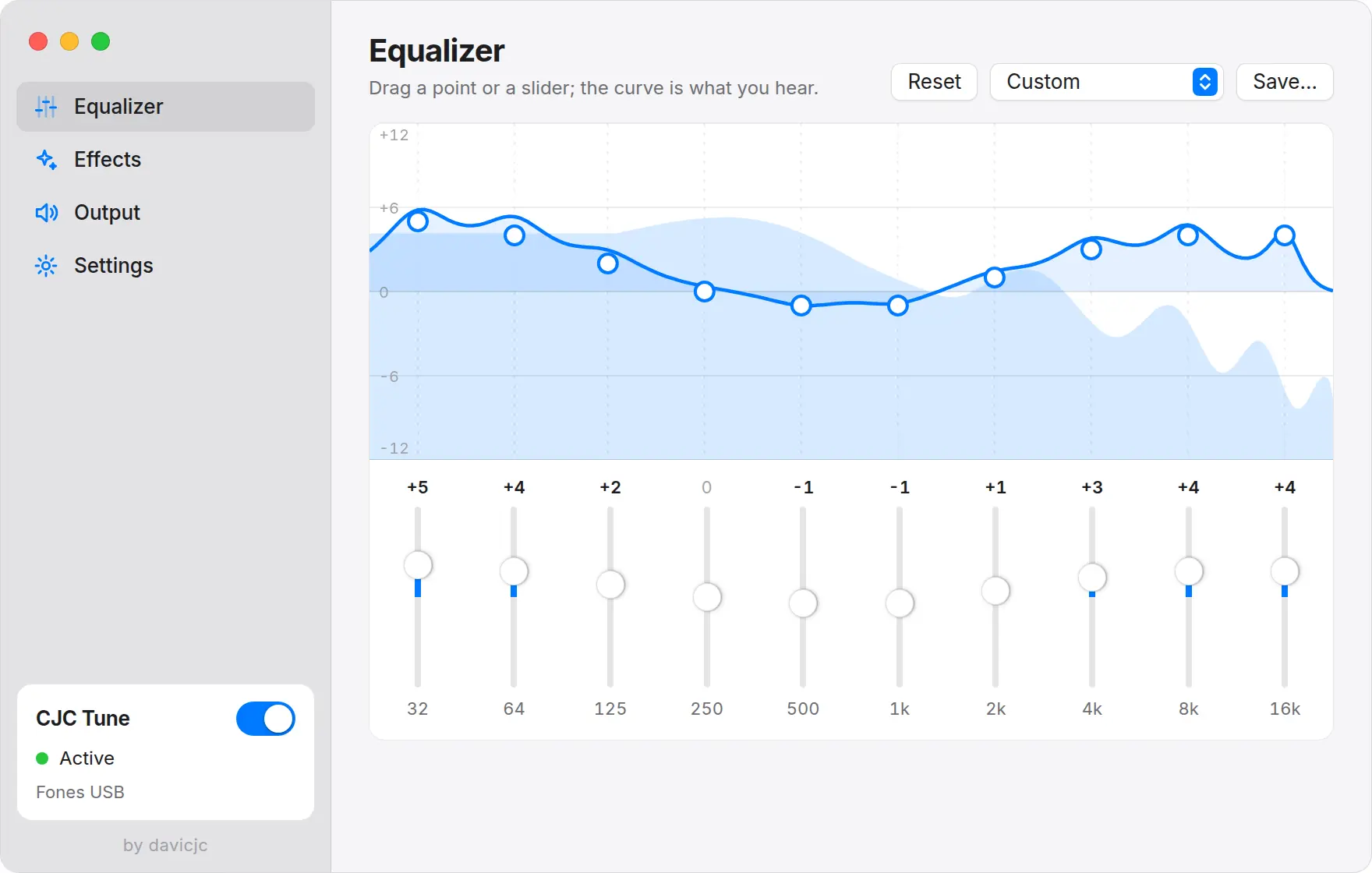
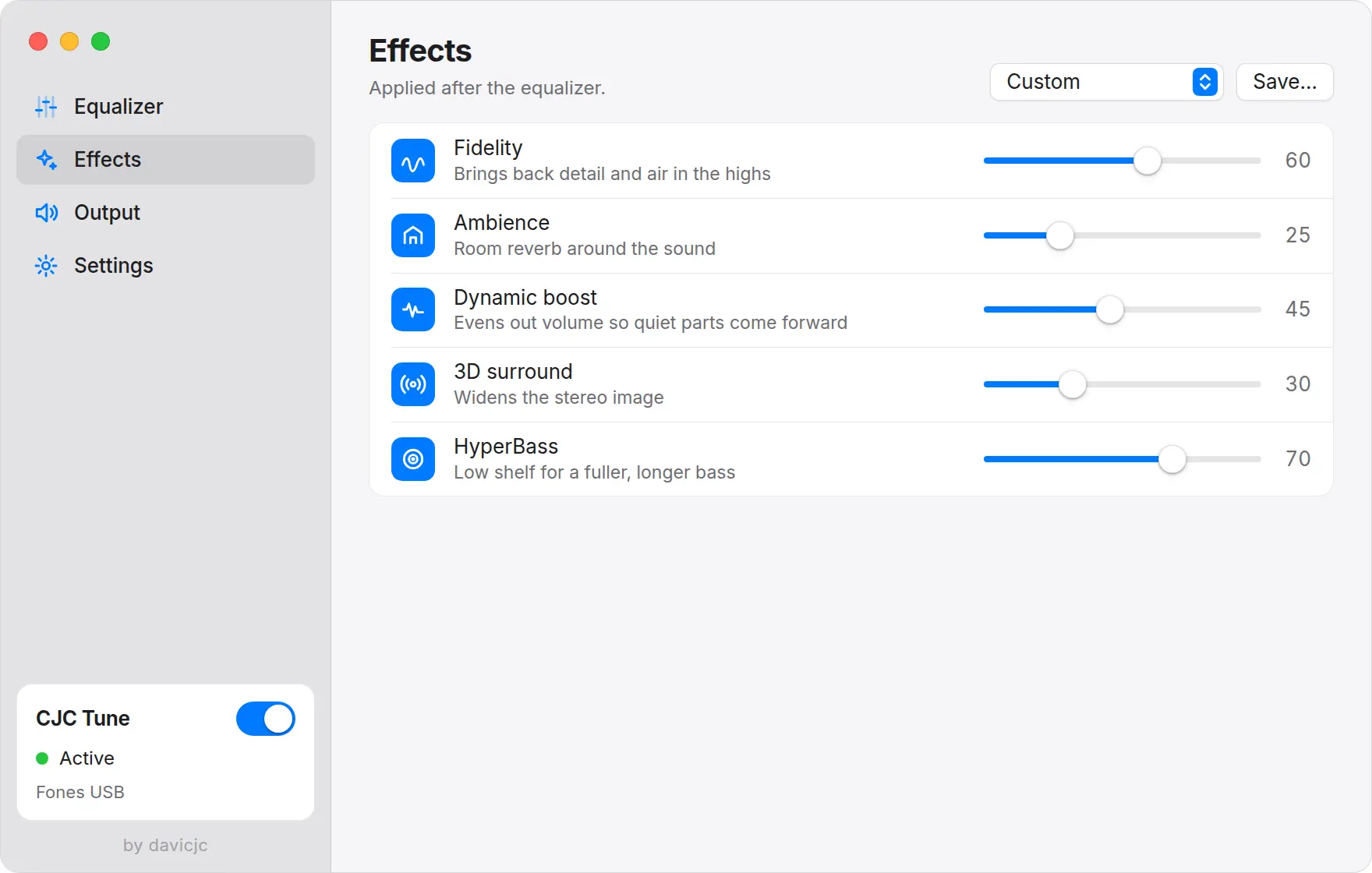
Music, movies, games and calls go through CJC Tune before they reach your headphones. A 10-band equalizer, effects and presets of your own, with nothing to set up per app.
Version 1.0.0 · AppImage and .deb · PipeWire and PulseAudio
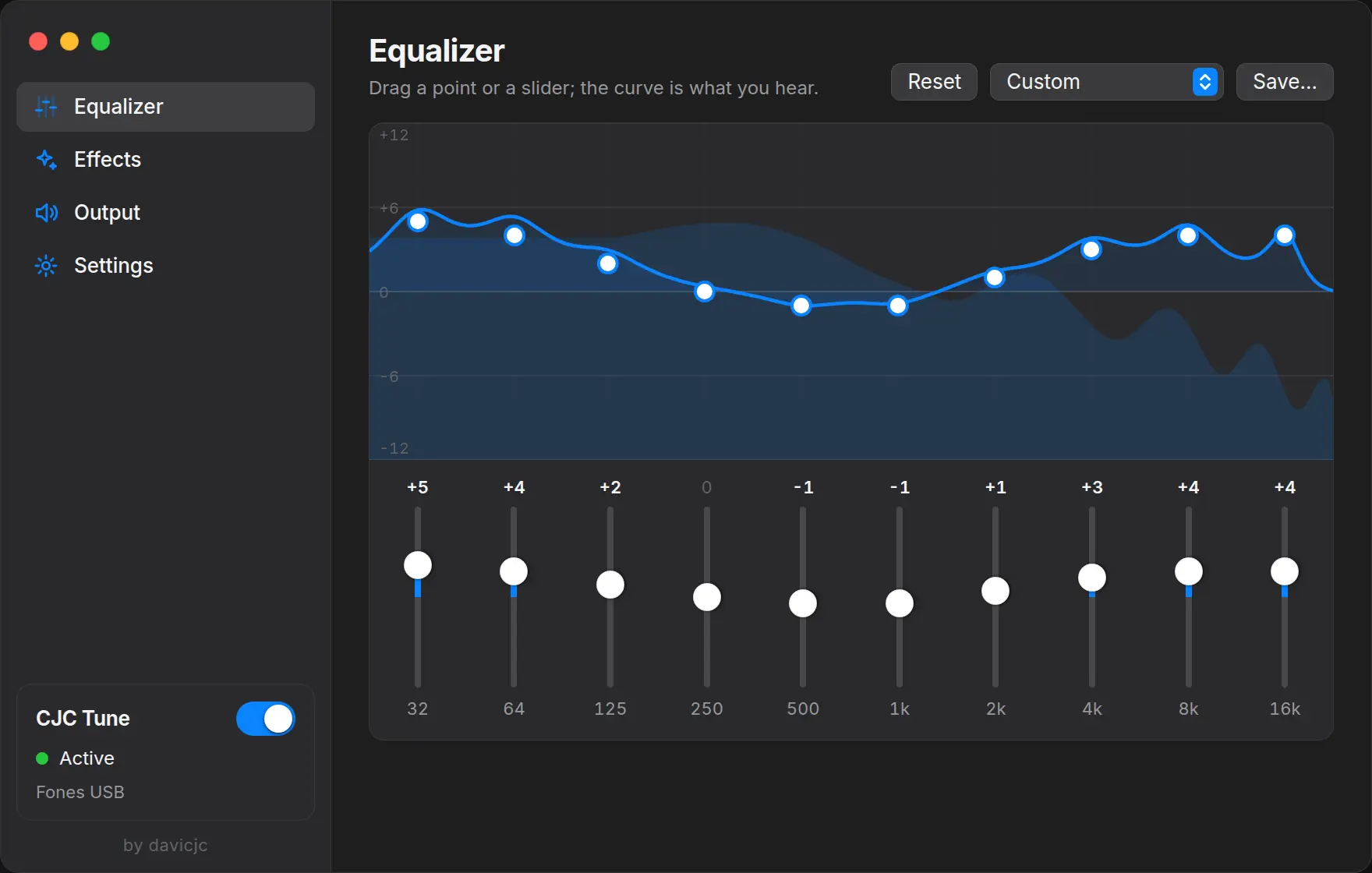
CJC Tune adds an output called CJC Tune and makes it the default. Apps play into it without knowing; CJC Tune processes the sound and sends it to the real device.
Switch headphones in the system and it follows. If the audio server goes away it comes back by itself. Quit the app and sound returns to the normal output.
A beat generated in your browser goes through the same ten filters as the app, with the same frequencies and width. Change the preset, drag the curve and compare.
It plays quietly. Use headphones to hear the bass.
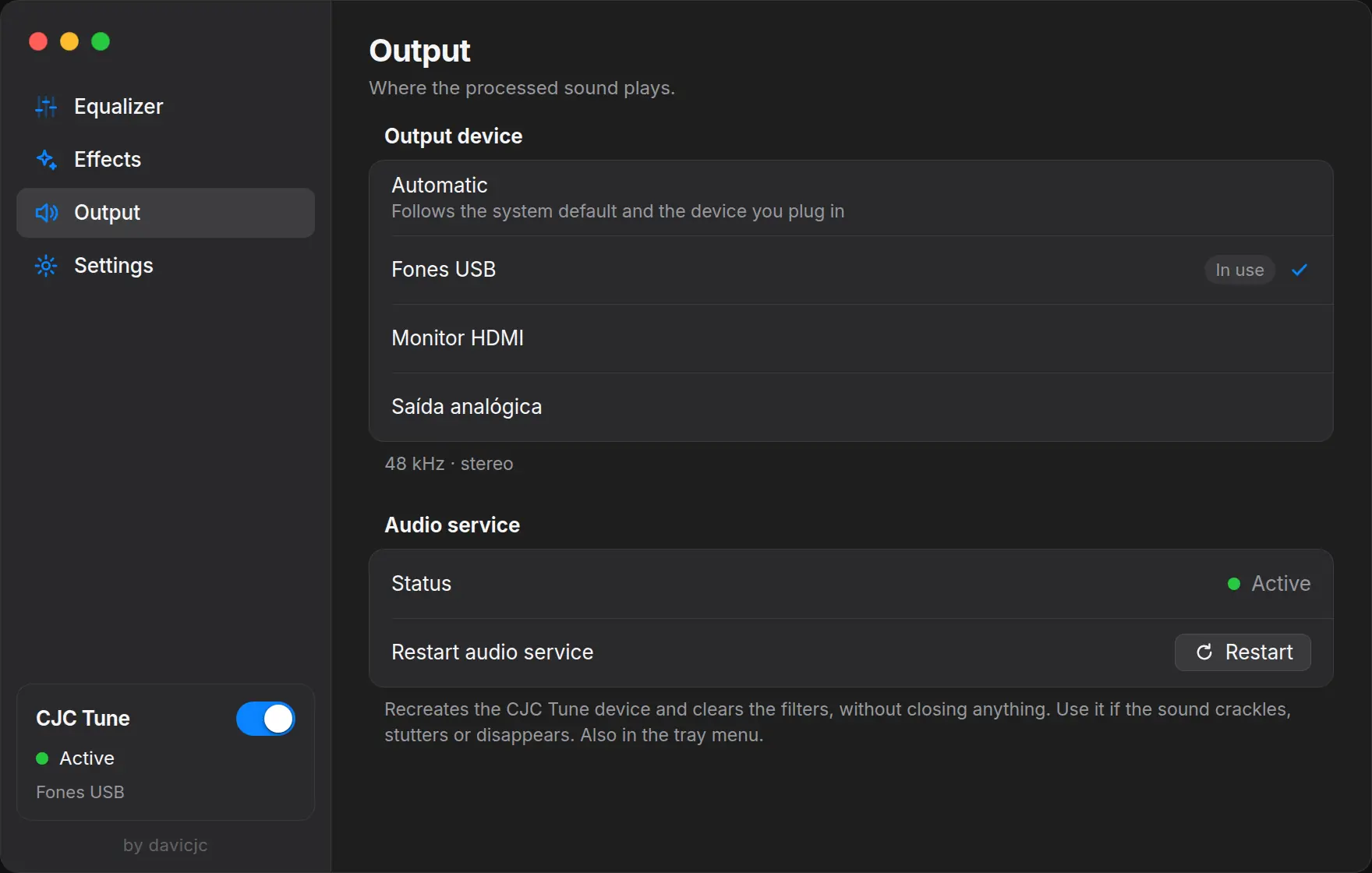
Crackling or no sound? One click in the tray recreates the device and clears the filters, without closing anything.
Save variations of your sound. Custom is kept while you try another preset.
Shows which device is in use and follows the headphones you plug in.
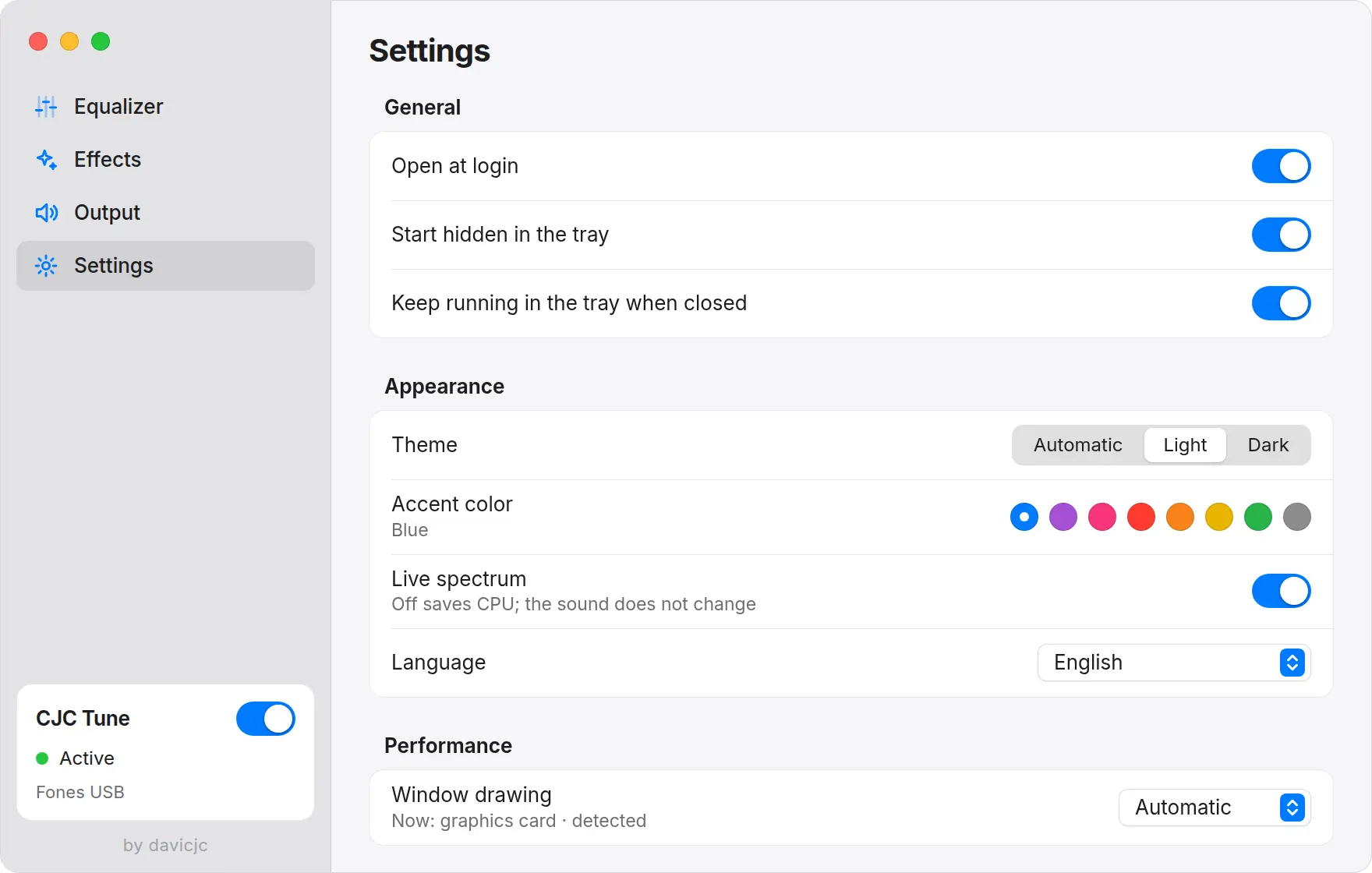
Close the window and sound stays processed. It can open at login, already hidden.
New version out, Update shows up. The AppImage downloads it, checks the SHA-256 and reopens.
Automatic theme, 8 accent colors, Portuguese, English, Spanish and Chinese.
A sidebar, clean groups and controls you already know.
Runs on any distribution, nothing to install.
chmod +x cjc-tune_1.0.0_amd64.AppImage
./cjc-tune_1.0.0_amd64.AppImageDebian, Ubuntu, Linux Mint and derivatives.
sudo apt install ./cjc-tune_1.0.0_amd64.debNeeds PipeWire or PulseAudio (today's defaults). Used FXSound for Linux? Quit it first: on its first launch CJC Tune brings over your EQ and effects.
Straight answers for anyone looking for an equalizer on Linux.
Yes. CJC Tune is a system-wide equalizer: everything your PC plays goes through it, with nothing to set up per app. It is free, open source, and works on Ubuntu, Linux Mint, Fedora, Debian and other distributions with PipeWire or PulseAudio.
It works on any distribution with PipeWire or PulseAudio. The AppImage runs everywhere; the .deb is for Debian, Ubuntu, Mint and derivatives. The code is tested against real PipeWire and PulseAudio on every change.
Yes. Open source, MIT license, no account, no ads.
Yes. It processes the whole system output, so it applies to every app that plays sound, with nothing to set up per app.
Right-click the tray icon and choose Restart audio service. It recreates the device and clears the filters in a moment. It is also on the Output page and available as a command: pkill -USR2 cjc-tune.
No. The only connection is asking GitHub whether a new version exists, and you can turn that off in Settings.
CJC Tune grew out of FXSound for Linux, a community open-source project (MIT license), and has its own interface, code layout and features. It is not affiliated with FxSound for Windows.
AppImage: delete the file. .deb: sudo apt remove cjc-tune. Quitting the app always gives the sound back to the normal output.